Box Data Room: A Practical Overview for Deal Teams

About Box VDR
Box started as a cloud storage platform in 2005 and has since grown into a full cloud content management platform used by businesses across legal, finance, healthcare, and real estate.
If you’re evaluating Box as a virtual data room for your next deal, this page breaks down what the platform offers for Canadian businesses in particular. It covers key features, pricing, limitations, and how it compares to dedicated virtual data rooms available in the market.
Who Box data room is best suited for
Box data room works well for teams that already use the platform day-to-day or need a flexible workspace that can handle secure document sharing without a steep learning curve. Here are the industries that benefit more from this type of business software:
| Team / Industry | Primary use of Box data room |
|---|---|
| M&A and legal teams | Due diligence and contract reviews |
| Real estate professionals | Sharing property documents and financials with buyers or lenders |
| Private equity and VC firms | Running fundraising rounds and portfolio reviews |
| Healthcare and government organizations | Certified compliance workflows (HIPAA, FedRAMP, and others) |
| Non-profits and education | Easy document management for grants, audits, and partnerships |
| Professional services | Access-controlled sharing across moderate-complexity transactions |
Box virtual data room key features
Box data room offers multiple features for secure and seamless collaboration across teams.
Security settings
Box secure file sharing system is built on AES 256-bit encryption, which covers files both in transit and at rest. Additional features that make Box a secure data room include:
- Multi-factor authentication.
- Customizable document watermarking.
- Data loss prevention.
- Intelligent threat protection.
- Detailed audit trails that log all user activity.
Permissions and access controls
Admins can set granular user permissions across folders, files, and user groups. This means you can control who views, downloads, prints, or uploads sensitive documents and set expiration dates on access when needed.
Collaboration tools
Box data room integrates with over 1,500 apps, including Microsoft Office 365, Google Workspace, and Salesforce. Teams can co-edit documents, leave comments, and manage tasks without leaving the platform.
On top of that, E-signature support is built in. This feature removes a common friction point in document-heavy workflows.
Document management
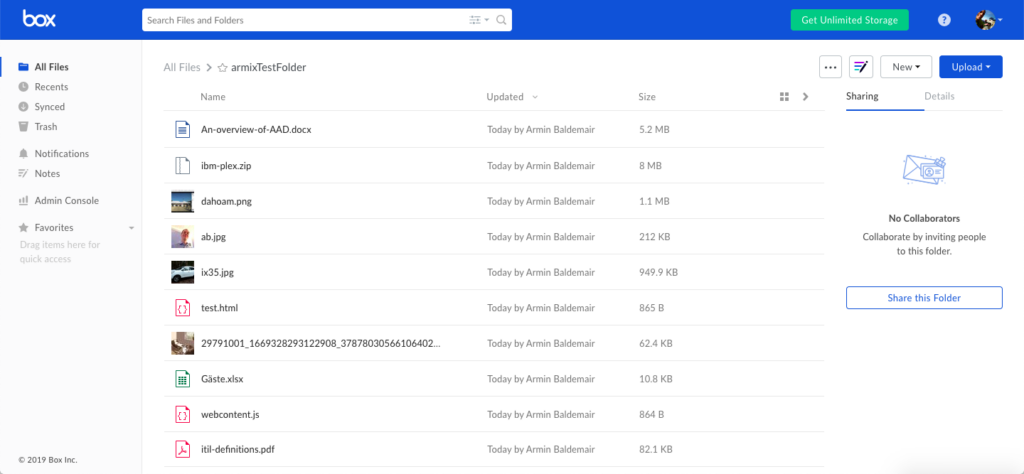
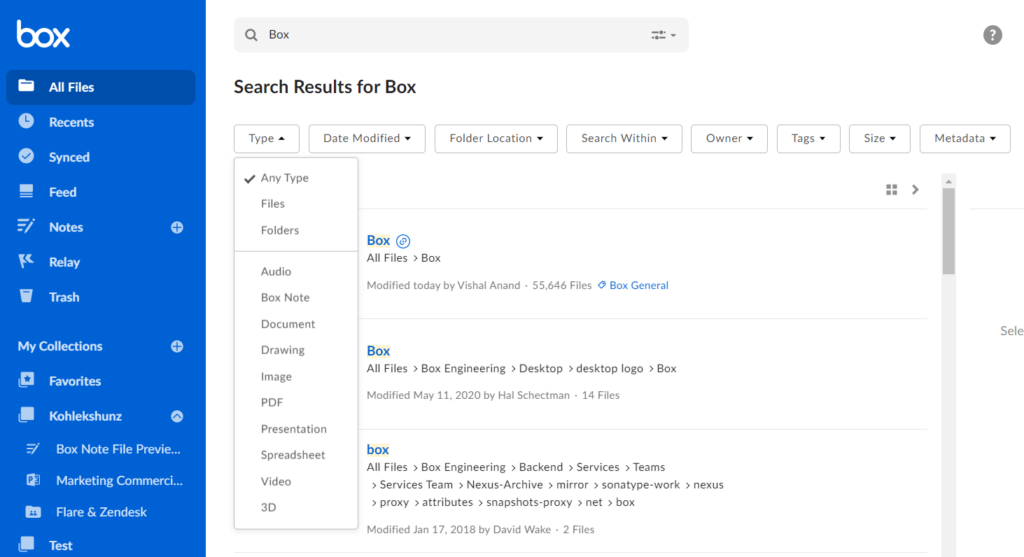
Box document management covers the full document lifecycle: upload, organize, version control, and archive. File structures can be set up to mirror a deal’s folder taxonomy, and the search function makes it easy to locate specific documents across large repositories.
Compliance controls
As a global platform, Box virtual data room carries a strong compliance stack. HIPAA, FedRAMP, FINRA, and GDPR certifications make it a go-to option for healthcare, financial services, and government-related transactions in Canada (and internationally).
What makes Box VDR different
Most centralized virtual data room providers are built exclusively for business transaction management. Box virtual data room takes a different approach. It’s a full collaboration platform that also supports secure deal workflows.
That means that teams using Box day-to-day don’t need to migrate sensitive data or onboard to a new system every time a deal opens. The data room environment lives inside the same workspace they already use as their enterprise content management platform.
Here are a few more things that set Box data room apart from:
- Breadth of integrations. With over 1,500 app connections, Box fits into most existing tech stacks without friction.
- Compliance depth. Few platforms at this price point carry certifications across HIPAA, FedRAMP, FINRA, and GDPR simultaneously.
- Scalability. Box serves everything from small professional teams to large enterprise deployments.
What it doesn’t offer, though, is the transaction-specific tooling that dedicated VDRs provide. These are things like built-in Q&A modules, deal room templates, or VDR-trained premier support teams.
For straightforward deals, that’s rarely a problem. But for complex, multi-party transactions, it’s something worth weighing carefully.
Box data room deployment, integrations, and support
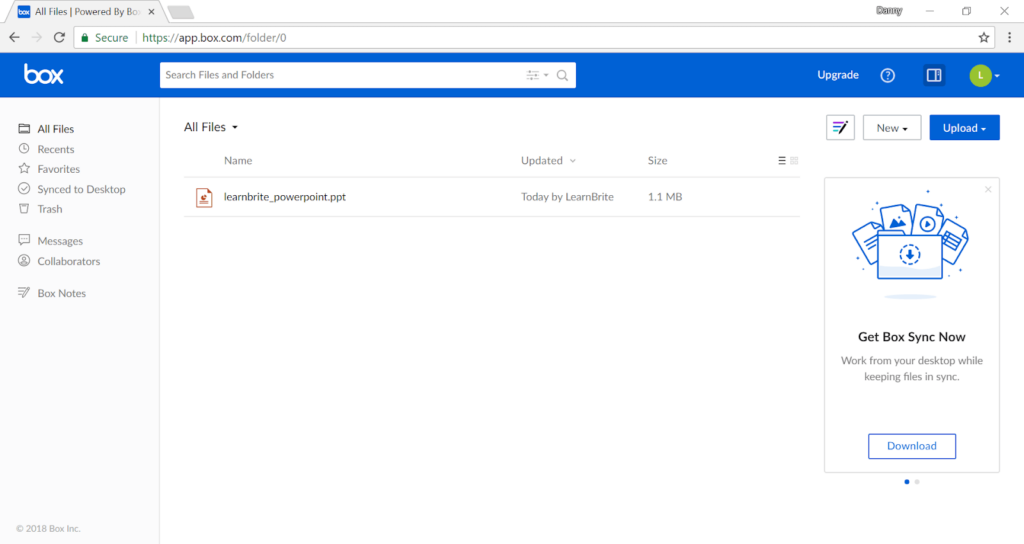
Box file storage and data room tools are accessible across all major platforms: browser, Windows, Mac, iOS, and Android. There’s no complex installation process, and most teams are up and running quickly after account setup.
Integrations cover a wide range, with native connections to:
- Microsoft Office 365 and Teams.
- Google Workspace.
- Salesforce.
- Slack.
- DocuSign and other e-signature tools.
- And over 1,500 additional apps through the Box app marketplace.
For Canadian businesses using a mix of these tools, Box data room generally slots in without requiring significant workflow changes.
Support options vary by plan. All Box users get access to a self-service portal, community forums, and standard support via email. Live chat and phone support are available on higher-tier plans. In particular, Enterprise Plus subscribers get 24/7 live representative support as part of the Enhanced Services package (also includes access to dedicated specialists and consultants).
For data room-specific questions (pricing, use case guidance, or product demos), feel free to reach out to Box’s sales team. They will walk you through the setup relevant to your transaction type.
Gallery
Box pricing and packaging
Box cost follows a per-user, per-month model with plans split across individual, team, and business tiers. Under this data room pricing model, the cost scales with the number of users and the level of functionality required.
More integrations, stronger security controls, unlimited storage, unlimited data rooms, and advanced admin features sit at the higher end.
| Plan | Price | Min. Users | Storage |
|---|---|---|---|
| Individual | Free | 1 | 10GB |
| Personal Pro | $10/user/month | 1 | 100GB |
| Starter | $5/user/month | 3 | 100GB |
| Business | $16/user/month | 3 | Unlimited |
| Business Plus | $25/user/month | 3 | Unlimited |
| Enterprise | From $35/user/month | 3 | Unlimited |
| Enterprise Plus | Custom quote | Custom | Unlimited |
All plans from Starter upward include a 14-day free trial with full access to features. No credit card commitment required during that period.
Pros and cons of the Box platform
Here’s an honest look at where Box delivers and where it falls short. These pros and cons are based on research and user reviews on platforms like G2 and Capterra.
Pros
- Teams already using Box as a general cloud storage platform don’t need to learn a new system or migrate sensitive files when a deal opens.
- HIPAA, FedRAMP, FINRA, GDPR, and ISO certifications in one platform is a genuine advantage for regulated industries.
- Over 1,500 app connections make it easy to fit Box into an existing tech stack.
- Works for small teams and large enterprise deployments without a platform switch.
- AES 256-bit encryption, two-factor authentication, watermarking, and detailed audit trails cover the basics well.
- 14-day free trial. Full feature access with no commitment makes it easy to test before buying.
Cons
- Box lacks the dedicated Q&A modules, deal room templates, and transaction-specific workflows that purpose-built VDRs offer.
- Teams running a single transaction may pay more than they would with a deal-based pricing model.
- 24/7 live support is only available on Enterprise Plus, which may be a gap for smaller teams mid-deal.
- Box’s support team is generalist by nature, not transaction specialists the way dedicated VDR providers tend to be.
Customer reviews & Market feedback
Box holds strong user ratings across major software review platforms. On Capterra, it scores 4.4 out of 5 based on thousands of verified reviews. G2 places it in a similar range.
Common praise across reviews points to:
- Clean, intuitive interface that requires minimal onboarding.
- Reliable sync across devices and platforms.
- Strong admin controls for managing large user groups.
- Responsive customer support on higher-tier plans.
The criticism that comes up most often is consistent with the platform’s general cloud file storage nature. Some also flag that advanced features, particularly around compliance and security tooling, are locked behind higher-tier business plans. This makes the platform feel limited at entry-level pricing.
Box alternatives: When to choose a different VDR
Box is a secure storage for your sensitive information. However, it is not a one-size-fits-all solution. If your deal management process requires advanced Q&A management, granular permission structures, or a dedicated support team with VDR experience, a purpose-built VDR solution will likely serve you better.
Looking for a dedicated VDR? Compare the top-rated options on our data room providers page to find a platform built specifically for transactions.

Ideals is a popular data room for due diligence, valued for strong security controls, clear audit trails, and smooth collaboration across deal teams.
Start 7-day free trial
ShareVault is a secure data room option, known for straightforward document sharing, detailed activity tracking, and responsive support.
View ShareVault reviewFAQs
Box functions as a Box virtual data room with basic features, but it’s not purpose-built for complex transactions with multiple external users. It covers the core requirements: secure file sharing, granular access controls, audit trails, and compliance certifications. At the same time, it lacks some of the deal-specific data room features found in dedicated VDR platforms, like structured Q&A modules or transaction templates.
For mid-market deals with moderate complexity, yes. Teams that already use Box day-to-day will find it a practical option for intelligent content management during due diligence. For large, multi-party transactions with strict workflow requirements, a dedicated VDR may be a better fit.
All business and enterprise plans include unlimited business data storage. Confidential files are encrypted with AES 256-bit encryption keys and stored across enterprise-grade data centers. Storage limits only apply to individual and starter-tier plans.
Box is certified across ISO/IEC 27001, SOC 1, 2, and 3, HIPAA, FINRA, FedRAMP, and GDPR. This makes it one of the more comprehensively certified platforms at its price point, particularly useful for regulated industries in Canada and the US.
Yes. Box offers a 14-day free trial on all plans from Starter upward, with full access to features and no credit card required to start.
Box services
| Automatic Numerical Indexing of Files & Folders | no |
| Drag & Drop Upload of Multiple Files and Folders | yes |
| Desktop Synchronization | yes |
| Archives Upload & Extraction | yes |
| Document Version Control | no |
| Multilingual Documents Index | no |
| Granular Document Permissions | no |
| View-Only Access | no |
| Prevention of Download, Print and Copy | yes |
| Remote Shredding of Documents | no |
| Customizable Document Watermarks | no |
| Secure Fence View | no |
| Document Access Expiry | no |
| 256-Bit SSL/TLS Encryption | yes |
| Data at Rest Encryption | yes |
| 99.9% Uptime Guarantee | no |
| ISO 27001 Certified | yes |
| SOC 2 Certified | no |
| SSAE 16 Certified | no |
| Data Backup | yes |
| Virus Scanning | no |
| Two-Factor Authentications | yes |
| Mobile Device Management | no |
| Granular User Permissions | no |
| Permission Groups | no |
| Access Expiration | yes |
| Access Limitation by IP Address | no |
| No Plugins | no |
| Scroll-Through Web-Based Document Viewer | no |
| Web-Based Excel Spreadsheets Viewer | no |
| iOS Application | no |
| Android Application | no |
| Mobile Device Interface | no |
| Search by Name | no |
| Search by Content (Full Text Search) | no |
| OCR (Optical Character Recognition) | yes |
| Filtering by Parameters | yes |
| Basic Questions & Answers Module | no |
| Advanced Questions & Answers Module | no |
| Secure User Messaging | no |
| New Document Email Notifications | yes |
| Files & Folders Notes | no |
| Tracking of All User Activity | no |
| Real-Time Audit Trail | no |
| Graphic Reports | no |
| Exporting Reports to Excel | no |
| Tracking of Document Viewing Time | no |
| Branded User Interface | yes |
| Custom Domain | no |
| Custom Login Page | no |
| Custom User Invitation Letter | no |
| Custom Agreements for Accessing Data Room | no |
| Active Directory Integration | yes |
| Single Sign-On Integration | no |
| Customer-Managed Encryption Keys | yes |
| Integrations Through APIs | no |
| Custom Workflows and Features | yes |
| Business Hours Support | yes |
| 24/7 Email Support | yes |
| 24/7 Phone & Email Support | yes |
| Online Help Center | yes |
| Live Training | no |
| Dedicated Project Manager | no |
| Data Room Archive on DVD or USB Drive | no |
| Translation Services | no |
| Cloud (Web-Based) | yes |
| On-Premise (Installed) | no |
| Multiple Datacenter Locations | yes |
| Free Demo | no |
| Free Trial | 3 Days Free |
| Price | Low & Mid-Range Software |
| Established | 2005 |
| Headquarters | Redwood, USA |


